Payroll Assistant
Your pay run's ready. You just haven't opened it yet.
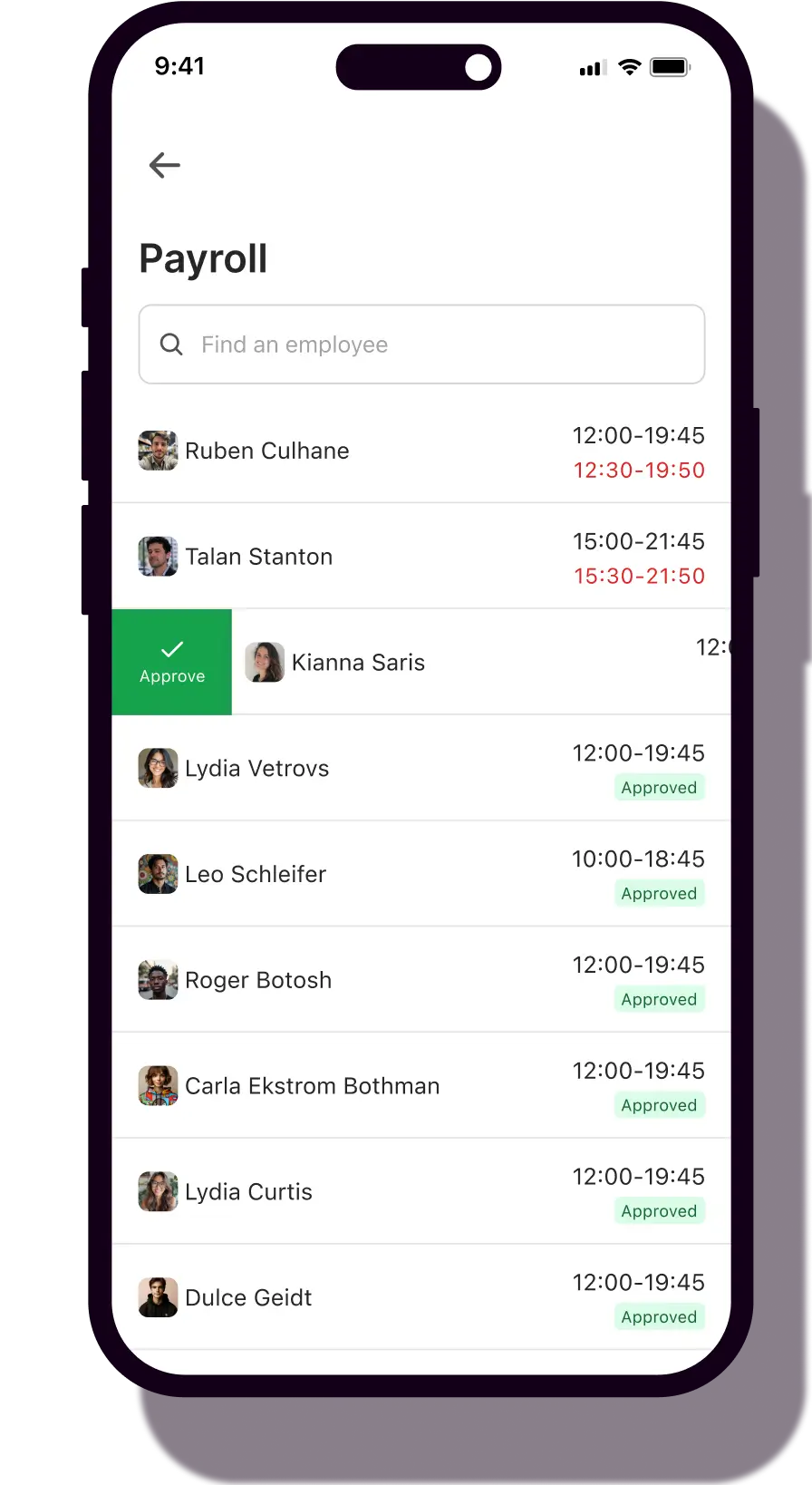
Schedules, timecards, employee records - they're already in Nory. So your pay run builds itself. Review what's flagged, approve, done.
The problem
Payroll starts with a manual export. Every single time.
Most operators still build pay runs the same way. Export the schedules. Reformat the timecards. Reconcile by hand. Run the numbers. Every cycle, the same rebuild, before a single calculation is even run. Hours lost. Errors that only surface after pay day. And a Cost of Labour figure that never reflects what your team actually cost.
What changes
Consistency
The pay run is built before you open it.
Your schedules, timecards and employee records are already in Nory. The pay run generates itself from real data. No exports. No reformatting. No starting from scratch.

Accuracy
Exceptions surfaced before pay day. Not after.
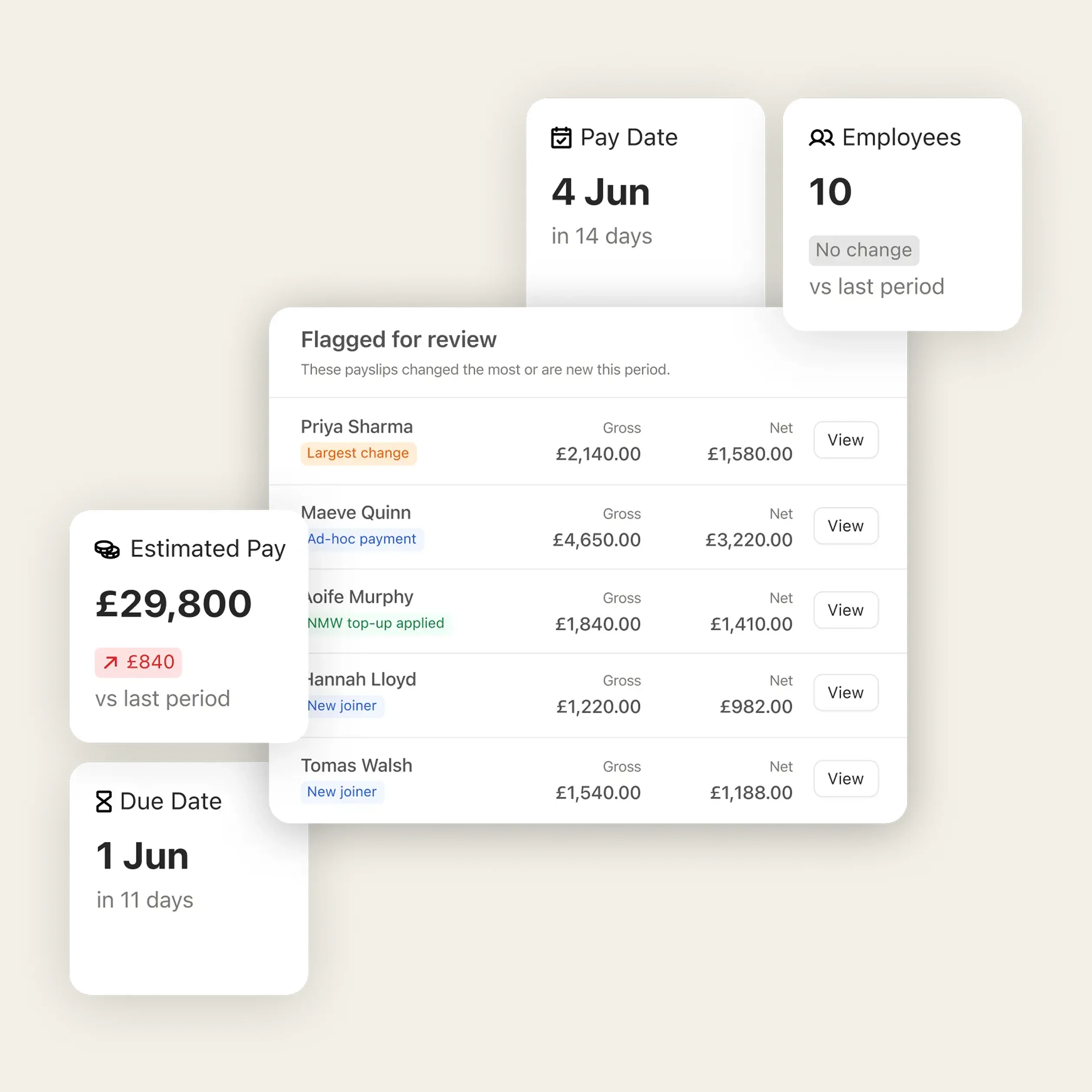
Payroll Assistant flags discrepancies before the pay run closes — not after pay day. You deal with what actually needs attention, in the right order.

Time Saving
Same team. Fraction of the time.
When the pay run arrives pre-built and exceptions are already flagged, the hours your team spent exporting and reconciling disappear. They review. They approve. They move on.

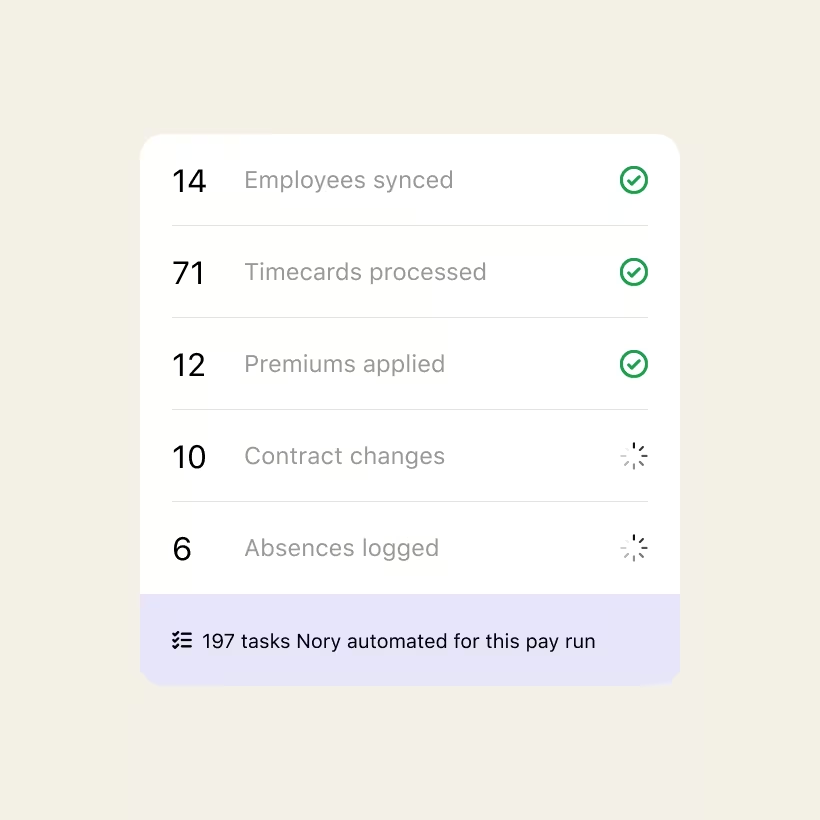
It's already built. Nory assembles the draft from the schedules, timecards, and employee records already in the system. No exports. No reformatting. You open it, and the work's done.
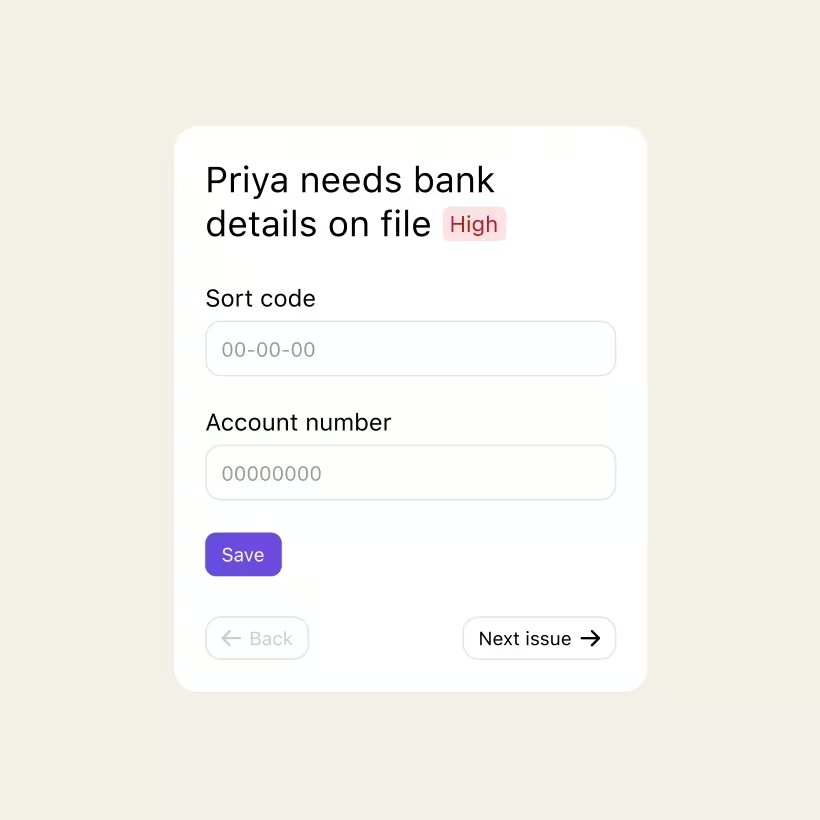
Nory surfaces what actually needs your attention — missing employee info, variances, unusual entries — ranked by urgency. You work through them in order, before pay day. Everything else is already right.
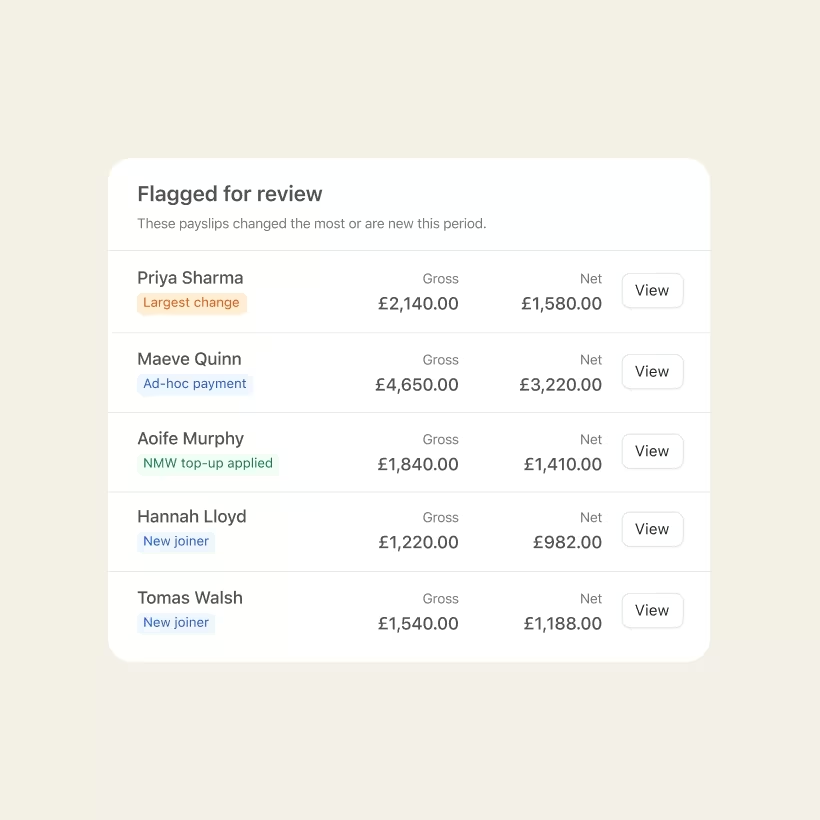
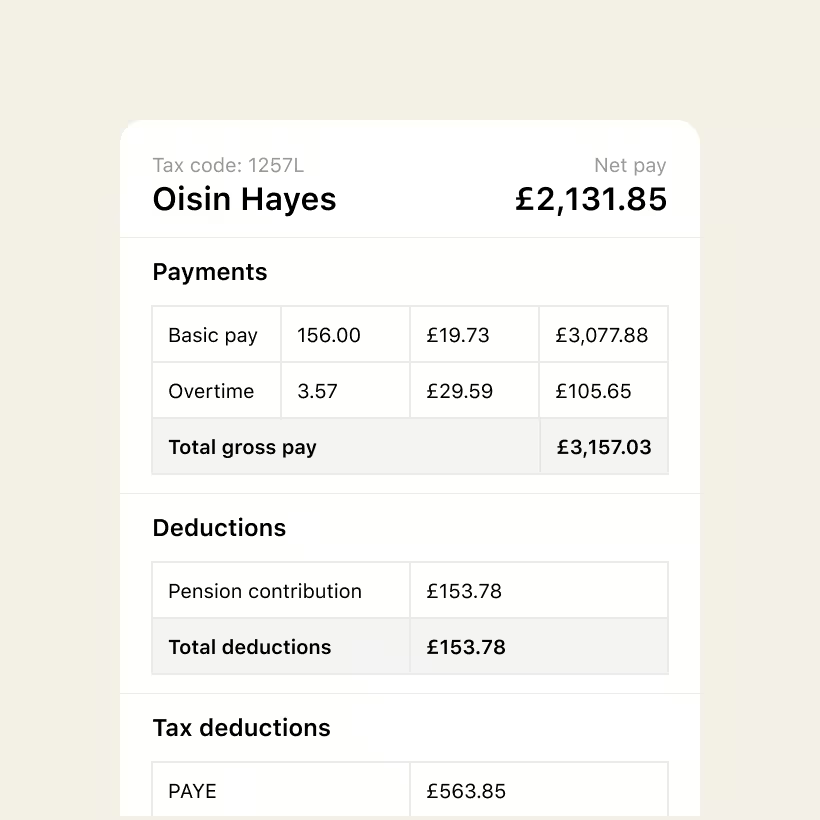
Check any employee's payslip breakdown in full. Add one-off adjustments (bonuses, corrections, deductions) where needed. Adjustments are the exception, not the rule.
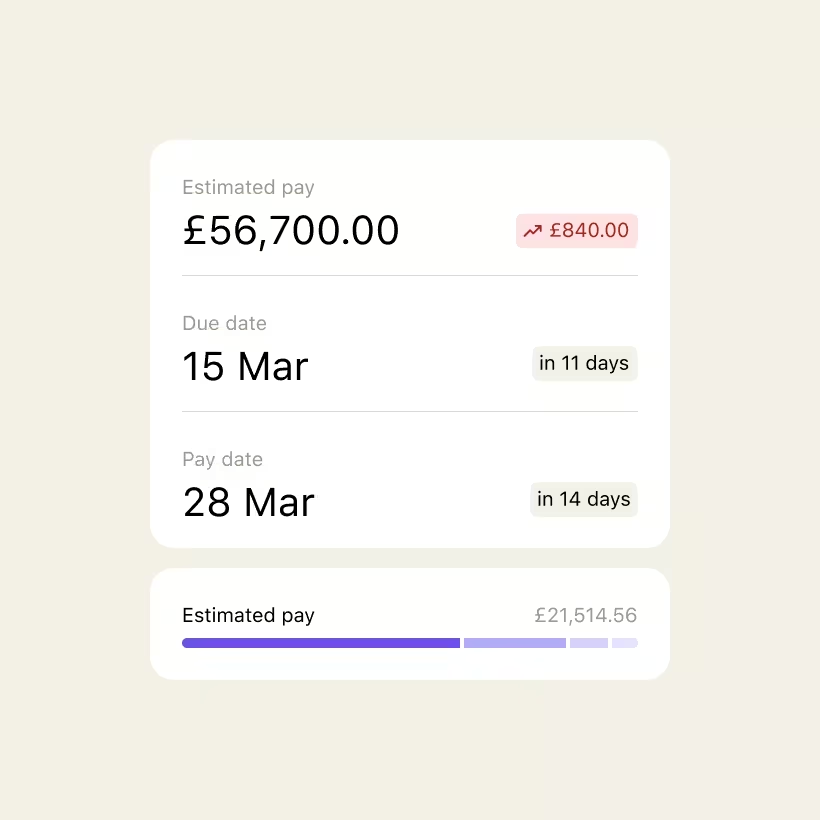
Approve the pay run. Nory handles the rest — HMRC submissions, filings, and payments to your employees. Payslips are available to both you and your team, ready to view and download.
Nothing is submitted, filed, or paid without your approval. Nory does the prep, the flagging, and the admin. The final say is always yours.
Frequently asked questions
How does the pay run build itself?
Your schedules, timecards, employee records and updates are already in Nory. The Payroll Assistant uses that data to assemble the pay run automatically so when you open it, the work's already done. You review, fix what's flagged, and approve; Nory handles the rest.
Can I still review everything before it's submitted?
Always, and we recommend you do! The Payroll Assistant drafts the pay run and flags exceptions; it doesn't submit anything on your behalf. You see exactly what needs attention, in priority order, before a single payment is processed.
Is this replacing my payroll provider?
Yes. Nory handles the full cycle: pay run preparation, calculations, HMRC submissions and filings, and payments to your employees. Because your schedules and timecards are already in the system, there's nothing to rebuild, export, or hand off.
What kind of exceptions does it flag?
Missing or incorrect employee information that could affect calculations or tax submissions, new joiners or leavers that need special attention, and unusual payments. The kind of things that usually surface after pay day, caught before the pay run closes.
Ready to transform your pay roll?
One crew. One system. A pay run that's built before you open it. Be the first to see it.