Best restaurant management software in 2026: A buyer's guide for multi-site operators

A restaurant management software is the operational layer between front-of-house and back-office.
But with so much restaurant tech hitting the scene in 2026, it’s hard to know which software solution is the right choice.
“What's the best restaurant management software?" has the same problem as "what's the best car?"
The answer depends entirely on what you need.
A single-site quick-service restaurant (QSR) in Manchester might not want the same functionality as a 50-site enterprise group in California. A coffee chain struggling with food waste doesn't need the same features as a casual-dining group grappling with labour scheduling.
So how do you know which restaurant management software to use?
In this guide, you’ll find out. Keep reading to learn how to choose the right restaurant management software and build the best tech stack for your business. Plus, we outline some of the best tools on the market for a quick and easy restaurant management software comparison.
What "restaurant management software" actually means in 2026
A Restaurant management software handles the activities that run your restaurant when service is on. For example, things like scheduling, time and attendance, inventory, supplier ordering, recipe and food cost, payroll.
Plus, all the reporting (or, increasingly, the decision-making) that ties them together.
However, a lot of restaurant tech businesses are stretching this label pretty thin:
- POS vendors call themselves restaurant management software because they handle the orders.
- HR tools claim the title because they manage staff.
- Accounting platforms enter the conversation because they manage revenue, expenses, and financial reporting.
What restaurant management software isn't: the POS itself, the accountant's monthly close, marketing tools, or guest-facing apps.
Those tools are adjacent, feeding restaurant management software with data. But put simply, they aren't a restaurant management software.
In 2026, the category is splitting in two directions:
- Toward operating systems (like Nory), a single platform running multiple operational areas at once, increasingly with agentic AI doing the work autonomously rather than reporting on it.
- Toward specialists. Single-purpose tools (scheduling-only, inventory-only, BI-only) going deep on one operational area and integrating to the rest.
The best all-in-one operating systems for hospitality operators
All-in-one systems are built for multi-site operators who want a single platform to run operations end-to-end.
The goal is consolidation: one vendor instead of several, one unified data layer instead of multiple sync points, and one reliable source of truth for your operational profit and loss (P&L) statement.
Here’s a quick overview of the top tools:
Nory: An agentic AI restaurant operating system
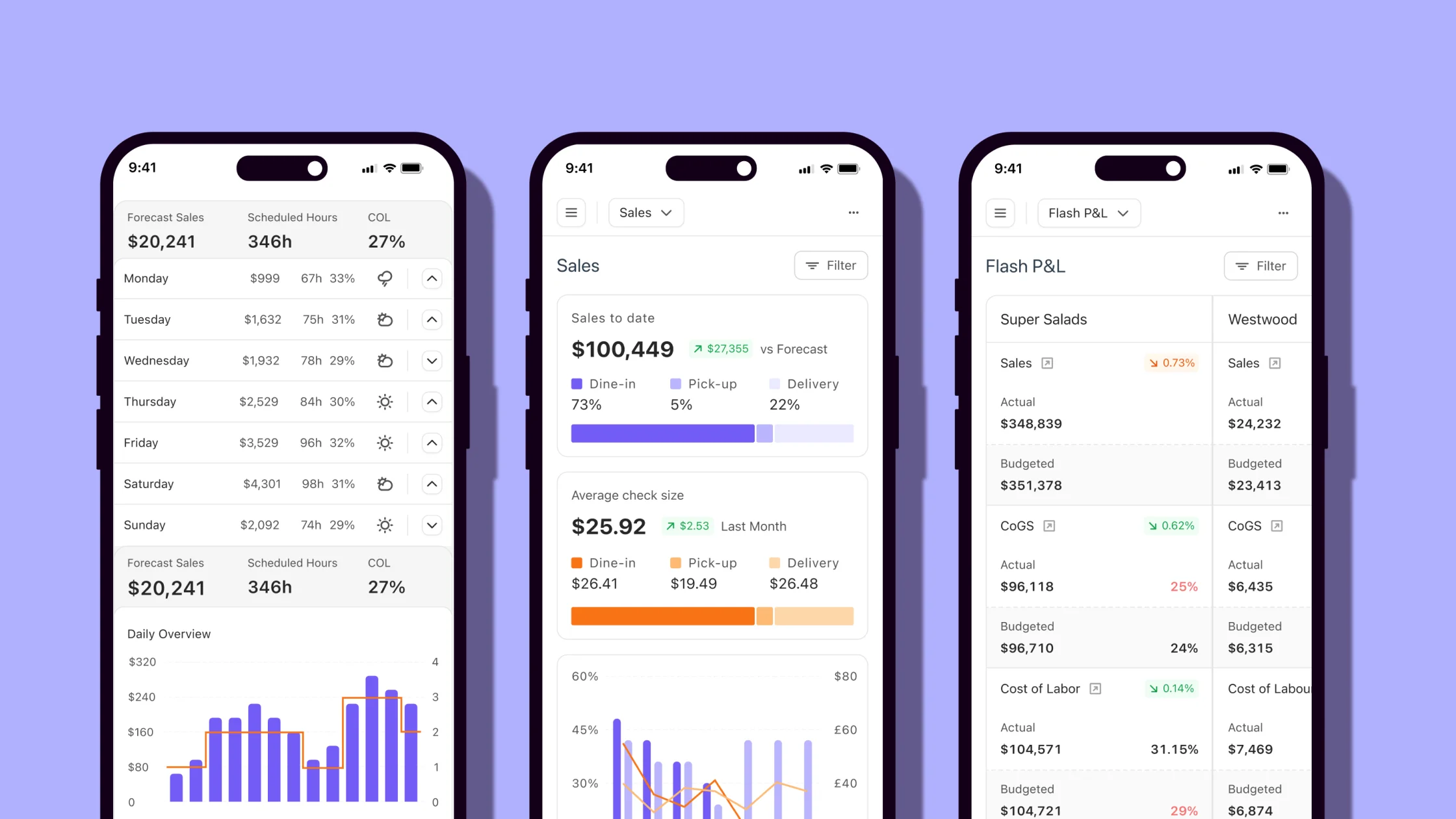
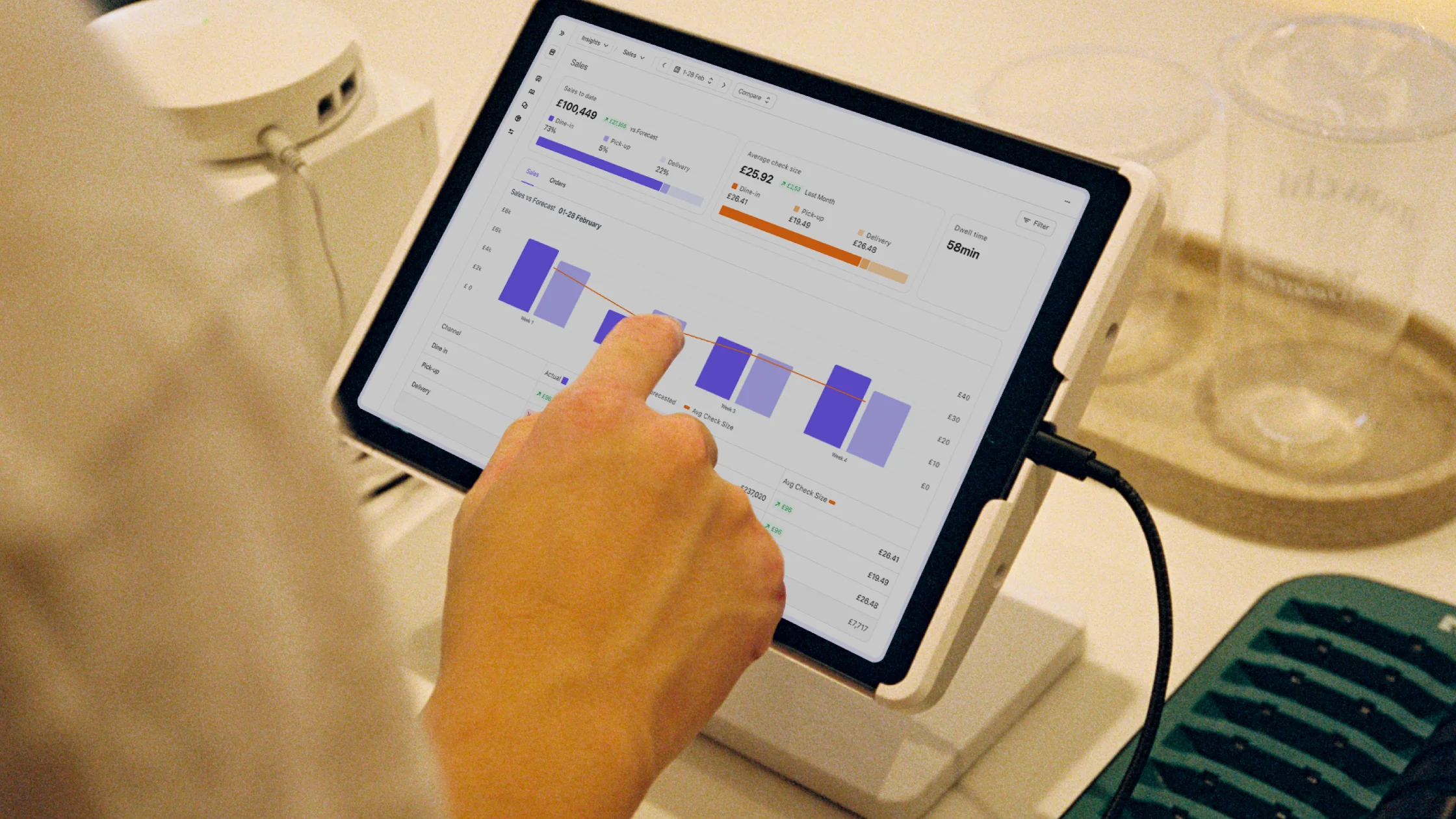
Nory is an agentic AI system that autonomously runs core restaurant operations (like forecasting, scheduling, ordering, and labour optimisation) to improve profitability across multi-site groups.
The software pulls data from across your workforce, inventory, payroll, and performance into one live system. Instead of just showing you reports, the platform helps you understand what’s going on (and why) before automatically taking action across sites to improve performance.
For example, it might adjust labour schedules based on expected demand, trigger stock orders when inventory runs low, or flag and cost issues before they impact margins, all without manual intervention.
Customers using Nory also see 10-20% labour cost reduction in the first 8 weeks, 97% demand forecast accuracy, and around 50% less food waste.
- Best for: Multi-site operators (from two sites to 200+) whose primary goal is protecting and improving profitability. Specifically operators who want their software to run forecasting, scheduling, ordering, payroll, and compliance autonomously, not just report on them.
- Not ideal for: Single-site operators with one specific operational gap. Nory is a heavier commit than a single tool because it has several tools in one. That maths starts to make sense the moment you have a second site, but not necessarily before.
- Standout feature: The crew of AI Assistants (forecasting, scheduling, ordering, invoicing, payroll, compliance) which manages each operational area against a prime-cost target (labour and COGS).
Nory in action: Digbeth Dining Club was struggling with inconsistent labour control across a complex multi-venue and events operation, where planning accuracy, reporting, and cost visibility were difficult to maintain in real time.
With Nory, they achieved near-perfect labour accuracy (within 0.38% of plan) and consistently strong gross profits (70–71%) by aligning staffing, demand, and operational execution in one system.
We’re an independent business with a corporate mindset. Nory lets us keep that independence while making the operation consistent and scalable.
Operations Director, Nicol Dwyer
Restaurant365
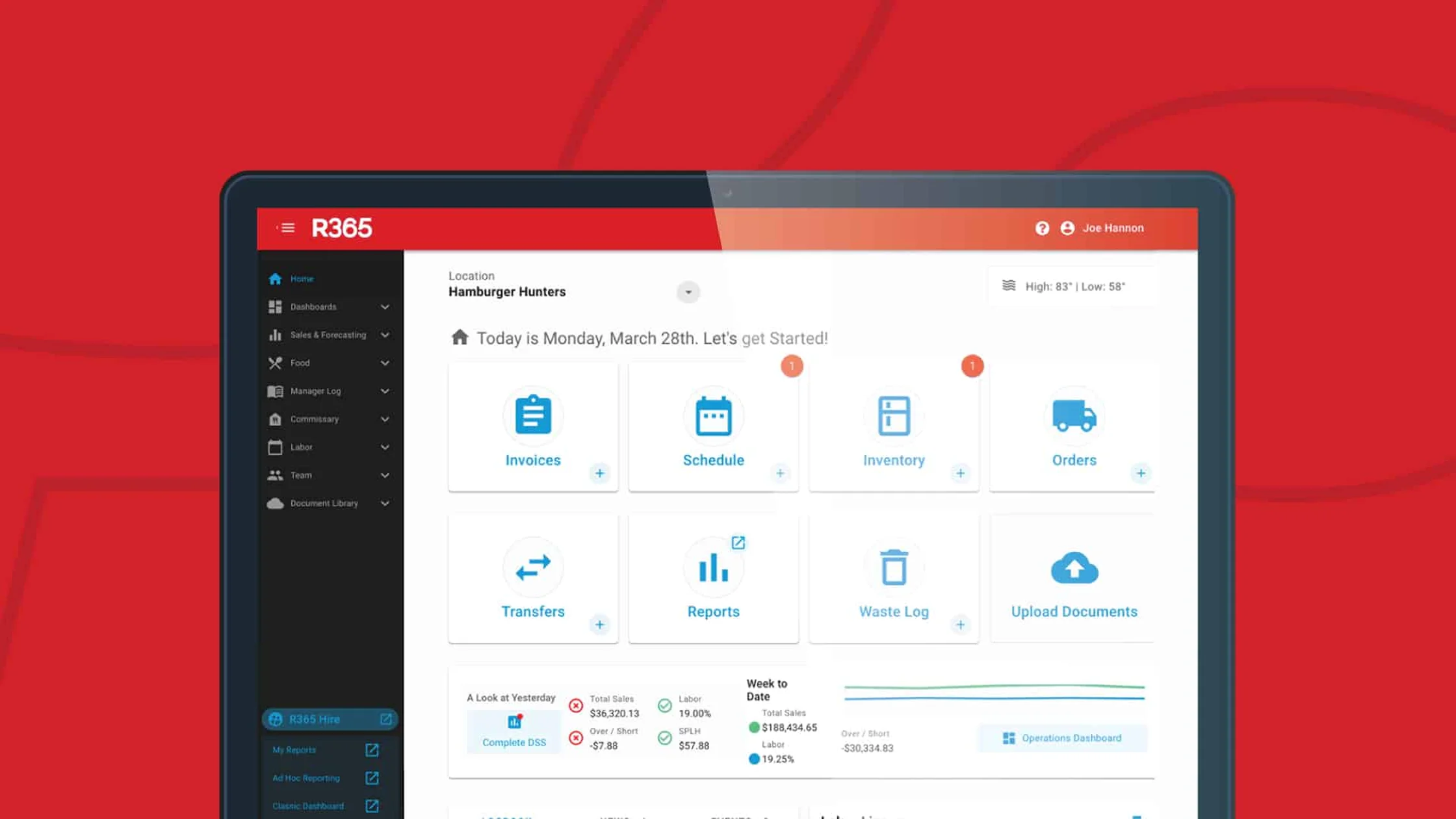
Restaurant365 connects accounting, inventory, workforce, and operations into a single system of record for US-based multi-site operators.
- Best for: Multi-site operators in the US who want POS integration, accounting, inventory, and reporting in one platform with a deep accounting layer.
- Not ideal for: UK/EU operators (because of the limited HMRC and tronc support) or operators specifically looking for autonomous decision-making rather than rich reporting.
- Standout feature: The accounting integration depth. Restaurant365's roots are accounting-first, meaning it has good accounting functionality.
Toast (fully bundled)
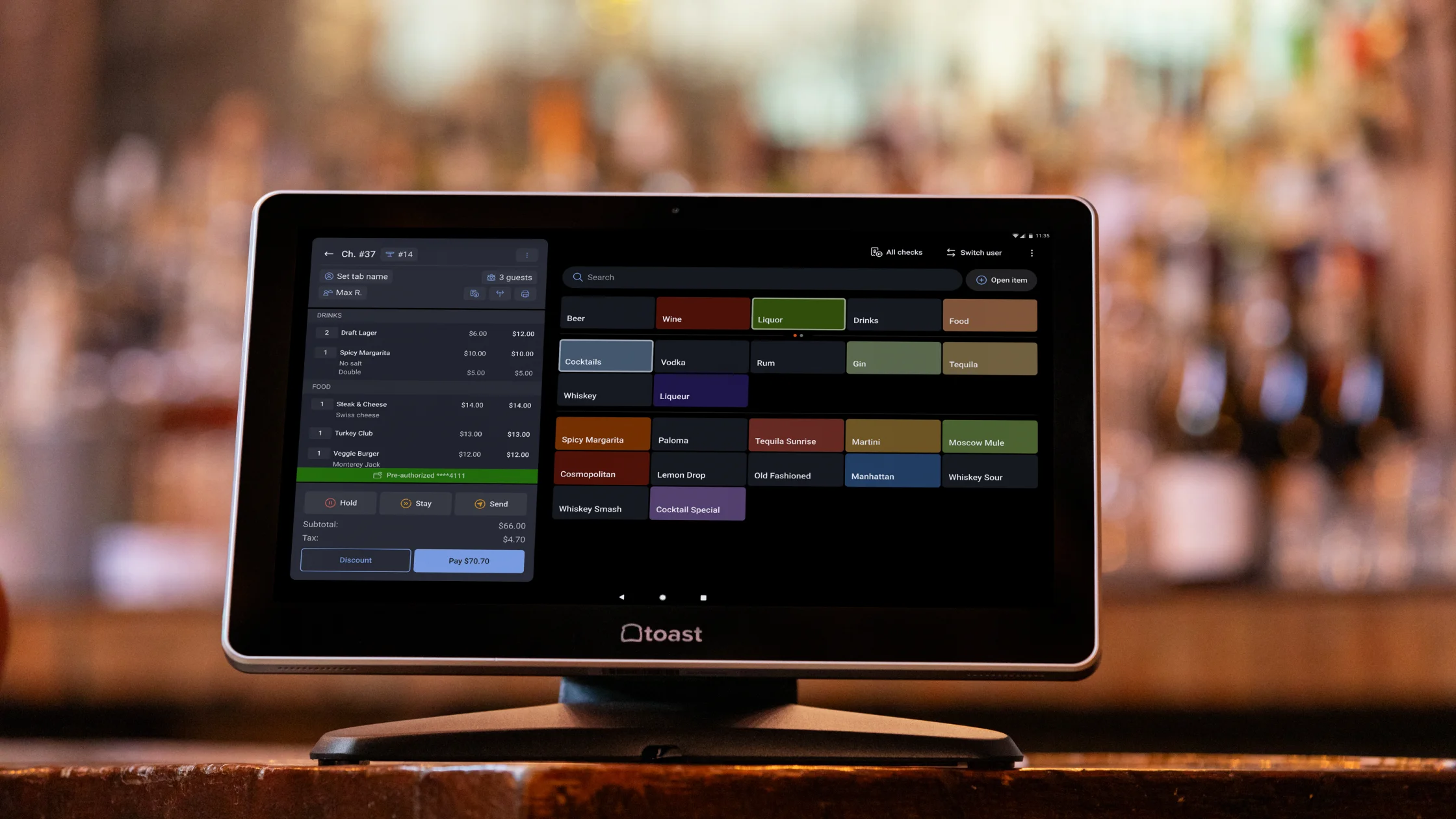
Toast is a POS-first platform that builds a handful of simple restaurant operations directly on top of its payment and ordering system.
- Best for: Operators (especially US, full-service) who want their POS vendor to support some operations across one or a handful of sites.
- Not ideal for: Multi-site groups whose POS isn't already Toast (you'd be ripping out and replacing); UK/EU operators (limited footprint).
- Standout features: The POS is the core of the system, not an add-on. Toast builds everything around front-of-house transactions, using that data as the foundation for some operational functionality.
Did you know? Toast integrates with Nory’s restaurant operating system.
The top POS-led suites for restaurant operators
Built for single-site operators and small chains, these systems use POS functionality as the core platform (with additional modules added over time as the business grows, depending on the system you use).
The approach is low-friction at the start. You begin with your POS and layer on extra functionality as needed, but this can lead to fragmented systems and visibility gaps as you scale.
Toast (POS-led)

The POS-led functionality of Toast focuses on connecting ordering and payments within the same ecosystem.
- Best for: Single site, POS-first orientation, or a 2–3 site group not quite ready for a full operating system.
- Not ideal for: Multi-site groups who aren’t already using Toast (switching POS requires a full system migration and operational downtime), and multi-site operators starting to feel the cross-site reporting gap (because it lacks a true unified view across multiple sites and systems at scale).
- Standout feature: Its native POS integration and broad module catalogue.
Square

Square is a POS platform for hospitality operators who want fast setup and straightforward day-to-day payments and sales management.
- Best for: Smaller operators (typically single-site quick-service or counter-service) who want simple flat-rate pricing and a fast time-to-value.
- Not ideal for: Multi-site groups with complex routing, custom workflows, or sophisticated rota requirements (the software doesn’t have the configurability needed for multi-location operational control and advanced workforce management).
- Standout feature: Fast setup and onboarding, where operators can typically get up and running in a week with minimal configuration.
Lightspeed
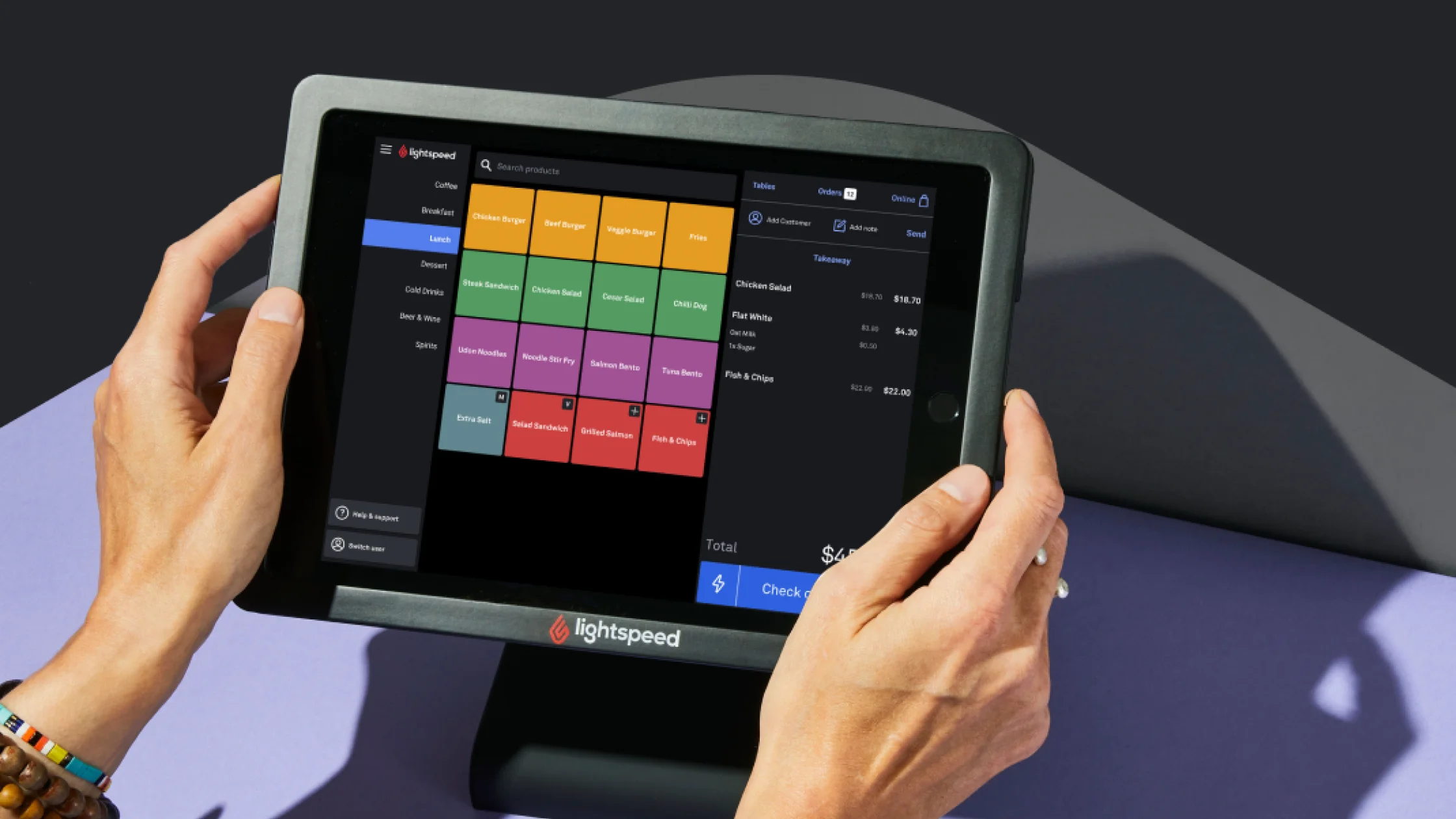
Lightspeed is a cloud-based POS and commerce platform combining customer payments, orders, and simple operations.
- Best for: Independent operators with a focus on inventory depth (especially bars, fine dining, and food retail).
- Not ideal for: Multi-site operators who want one platform that handles some operations as well as POS functionality.
- Standout feature: Built-in inventory and recipe costing capabilities, giving more control over stock and margins at item level.
Did you know? Lightspeed integrates with Nory’s restaurant operating system.
Effective tools for labour-management specialists in hospitality
For operators whose biggest challenge is scheduling, time tracking, or controlling labour costs, these tools focus on one part of the operation rather than the full business.
However, the trade-off is scope. They don’t cover food cost, full P&L management, or end-to-end forecasting, so you may need to combine them with other systems.
7shifts
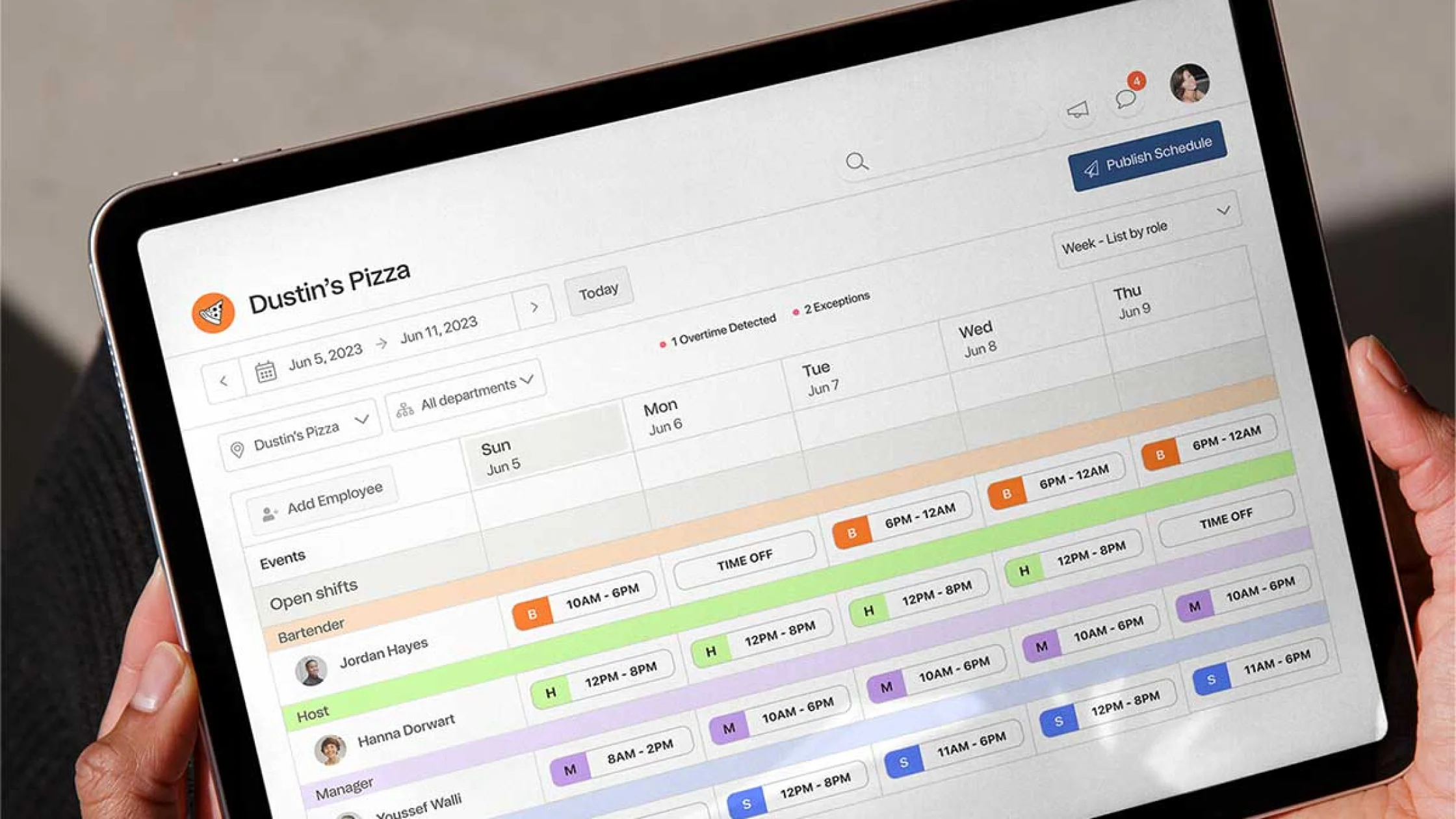
7shifts is a restaurant-focused labour management tool for staff scheduling and shift management.
- Best for: Single-site and small-chain operators (1-50 sites) whose primary pain is rota building, shift changes, and labour cost reporting.
- Not ideal for: Multi-site groups looking to address food cost or forecasting in the same platform, and operators who want demand-driven scheduling rather than manual rota building.
- Standout feature: Scheduling workflows with tools for rota management, shift swaps, and labour tracking.
When I Work
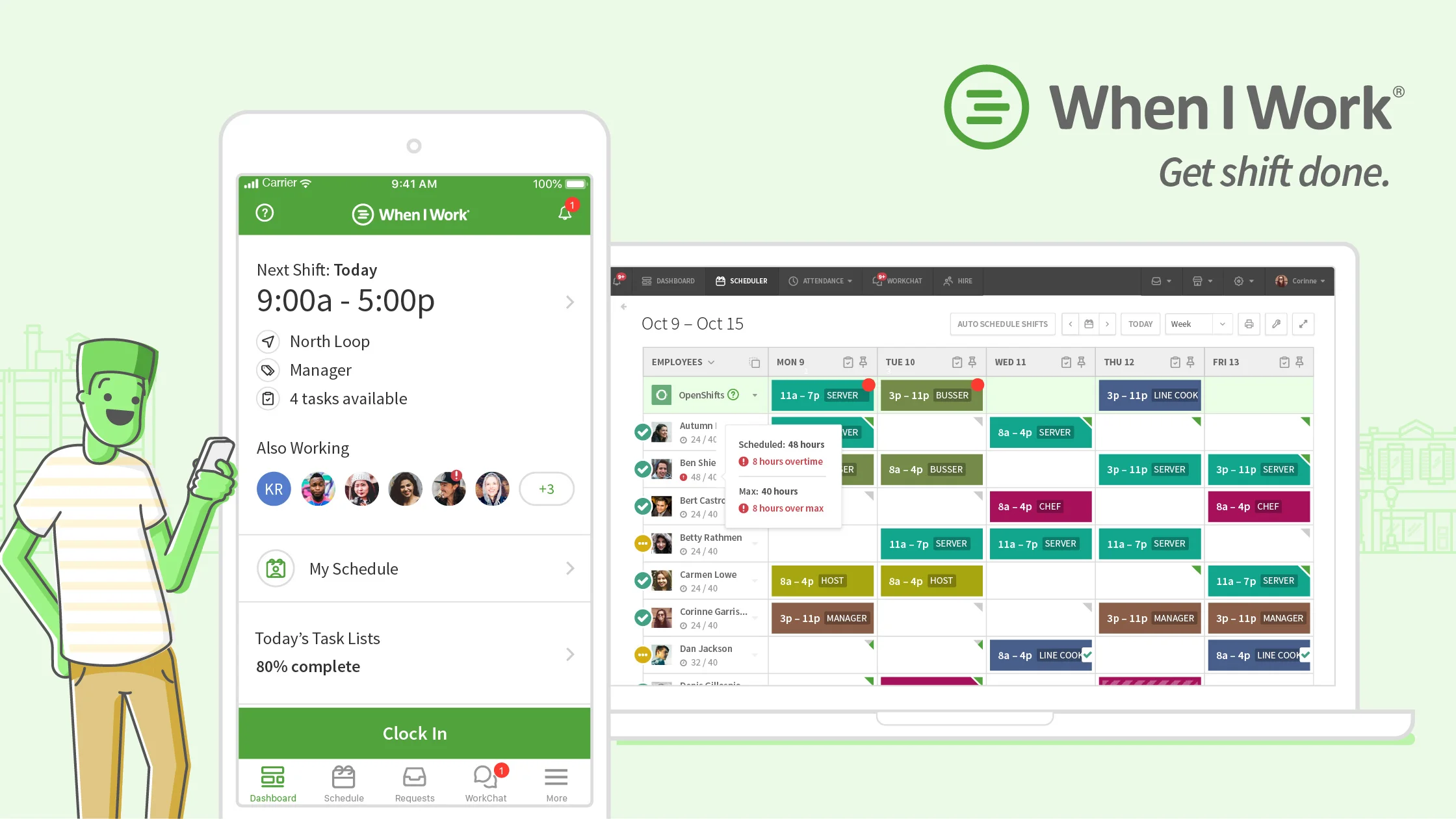
When I Work is a scheduling and time-tracking platform for businesses that want a simple, easy-to-manage staffing tool.
- Best for: Hospitality operators (not exclusively restaurants) who want a simple scheduling tool.
- Not ideal for: Restaurant-specific workflows that need POS integration, tip pooling, or restaurant-shaped pay rates.
- Standout feature: Easy to use and typically quicker to set up than more restaurant-specific labour platforms.
Homebase
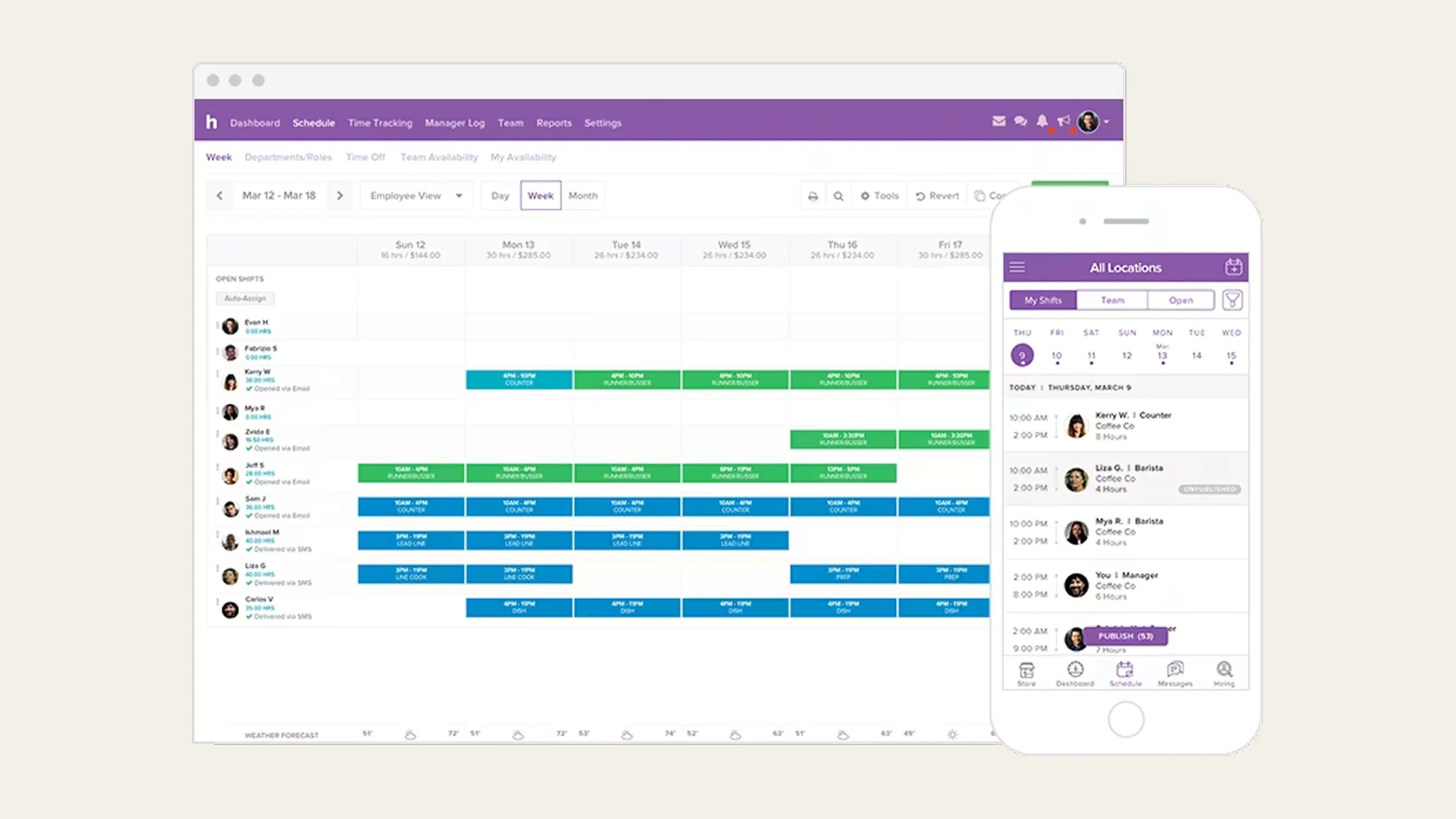
Homebase is a lightweight workforce management platform for scheduling, time tracking, and team communication.
- Best for: Single-site operations (often coffee shops, casual dining) who want free or low-cost scheduling.
- Not ideal for: Multi-site restaurants with complex rota or compliance needs (it can start to feel limited once you’re managing lots of locations).
- Standout feature: Affordable entry point with a genuinely usable free tier for basic scheduling and time tracking.
The best restaurant inventory and cost-control solutions
Inventory management tools help operators who need tighter control over food costs, supplier ordering, and margin protection.
They go deep on stock and cost management rather than wider restaurant operations. That means they usually need to sit alongside other systems for labour, scheduling, forecasting, and broader restaurant management.
Similar to the other tools, this can create a more fragmented tech stack over time, with separate systems handling different parts of your operation.
MarketMan
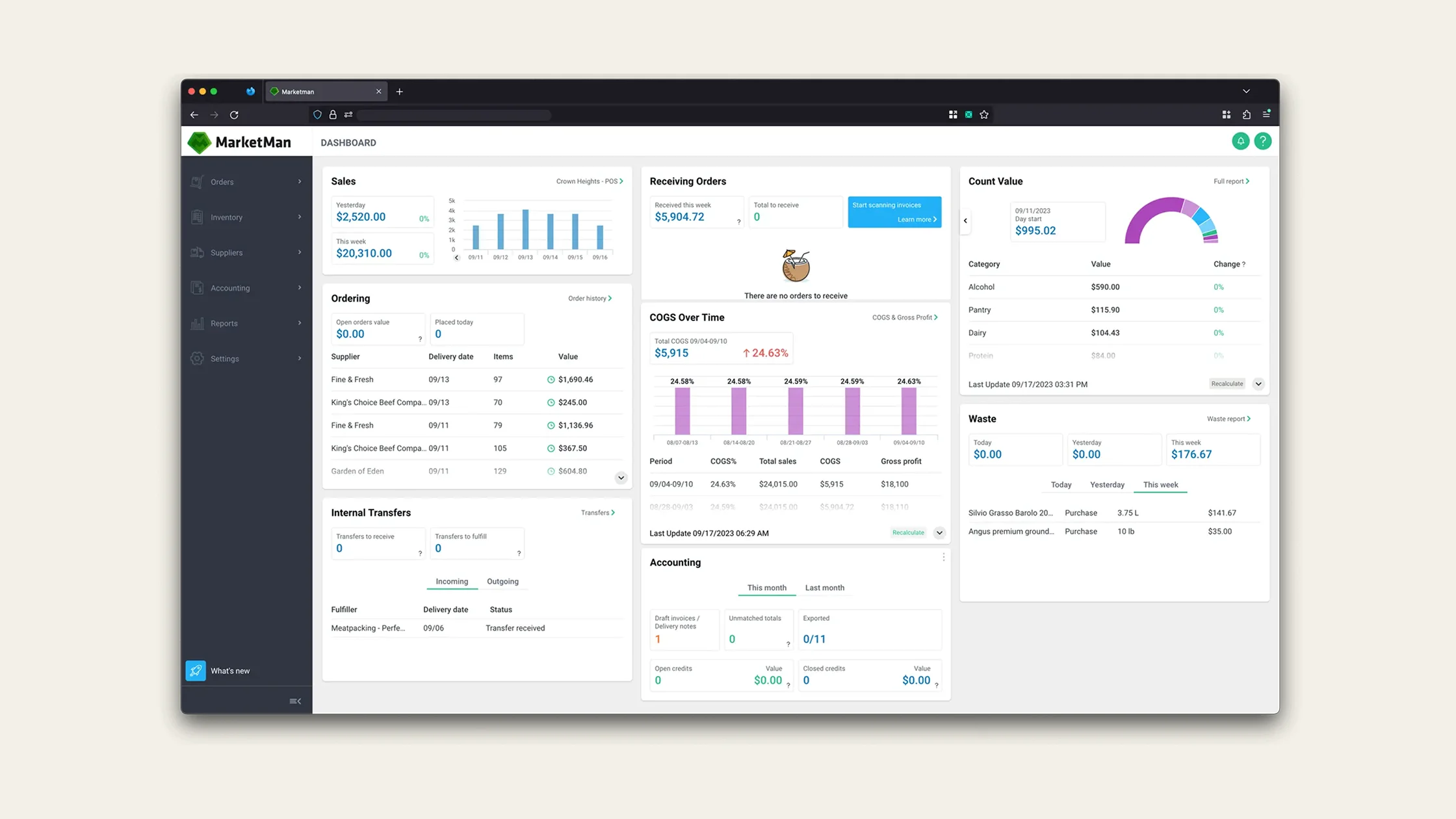
MarketMan is a cloud-based inventory and supplier management tool for controlling food costs and purchasing.
- Best for: Operators (1-50 sites) whose biggest pain is food cost variance and supplier admin.
- Not ideal for: Businesses looking to address labour with some P&L management in the same platform.
- Standout feature: Strong supplier ordering workflows with inventory control for food cost management.
MarginEdge
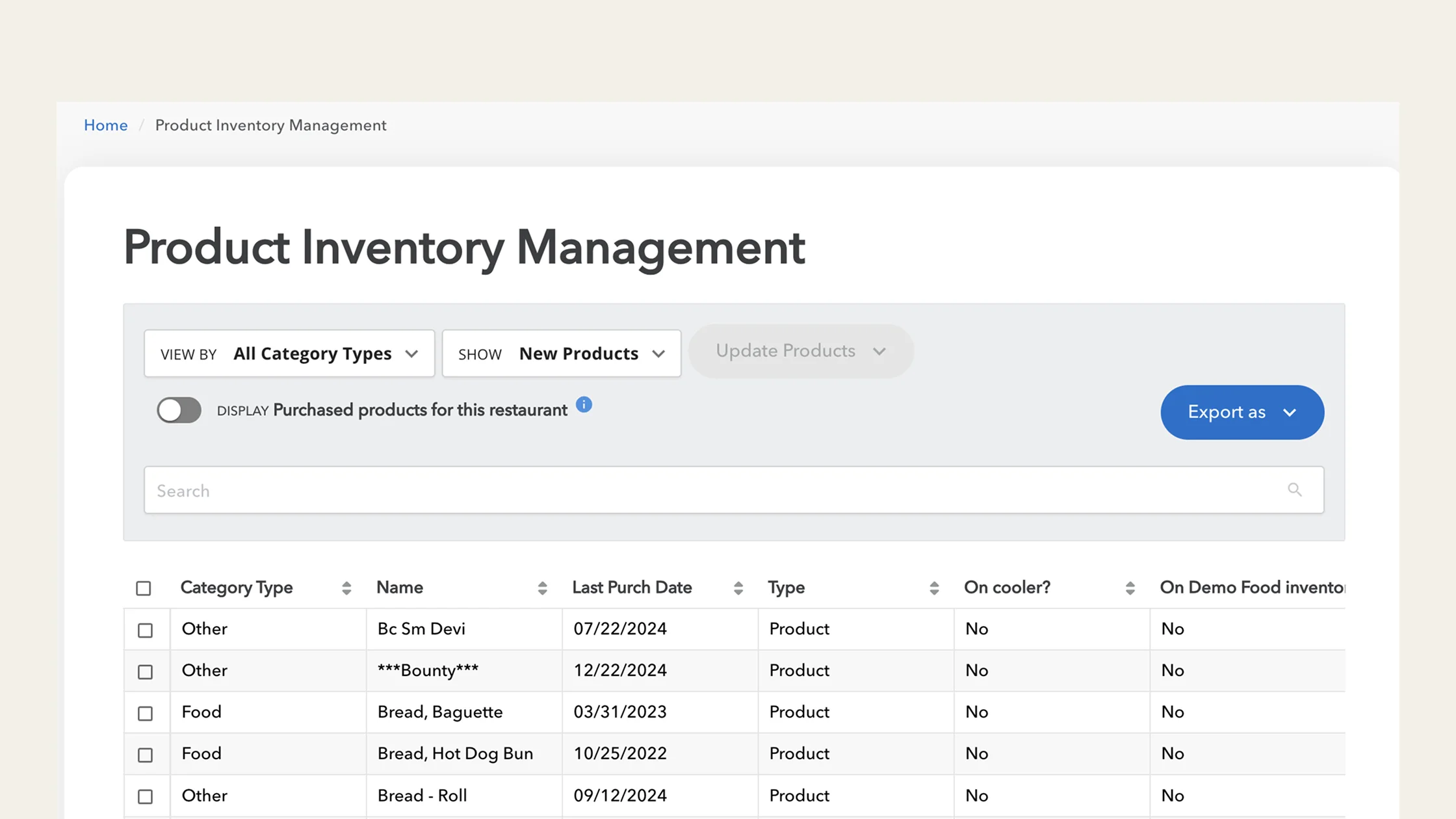
MarginEdge is a US-based platform that automates invoice processing, food cost tracking, and accounting workflows.
- Best for: US operators who want food cost in near-real-time from invoice data.
- Not ideal for: UK/EU operators with supplier-specific workflows, or operators who want labour and food cost in one place.
- Standout feature: Invoice processing automation that pulls food cost data directly from invoices to create a daily view of margins and spend.
Apicbase
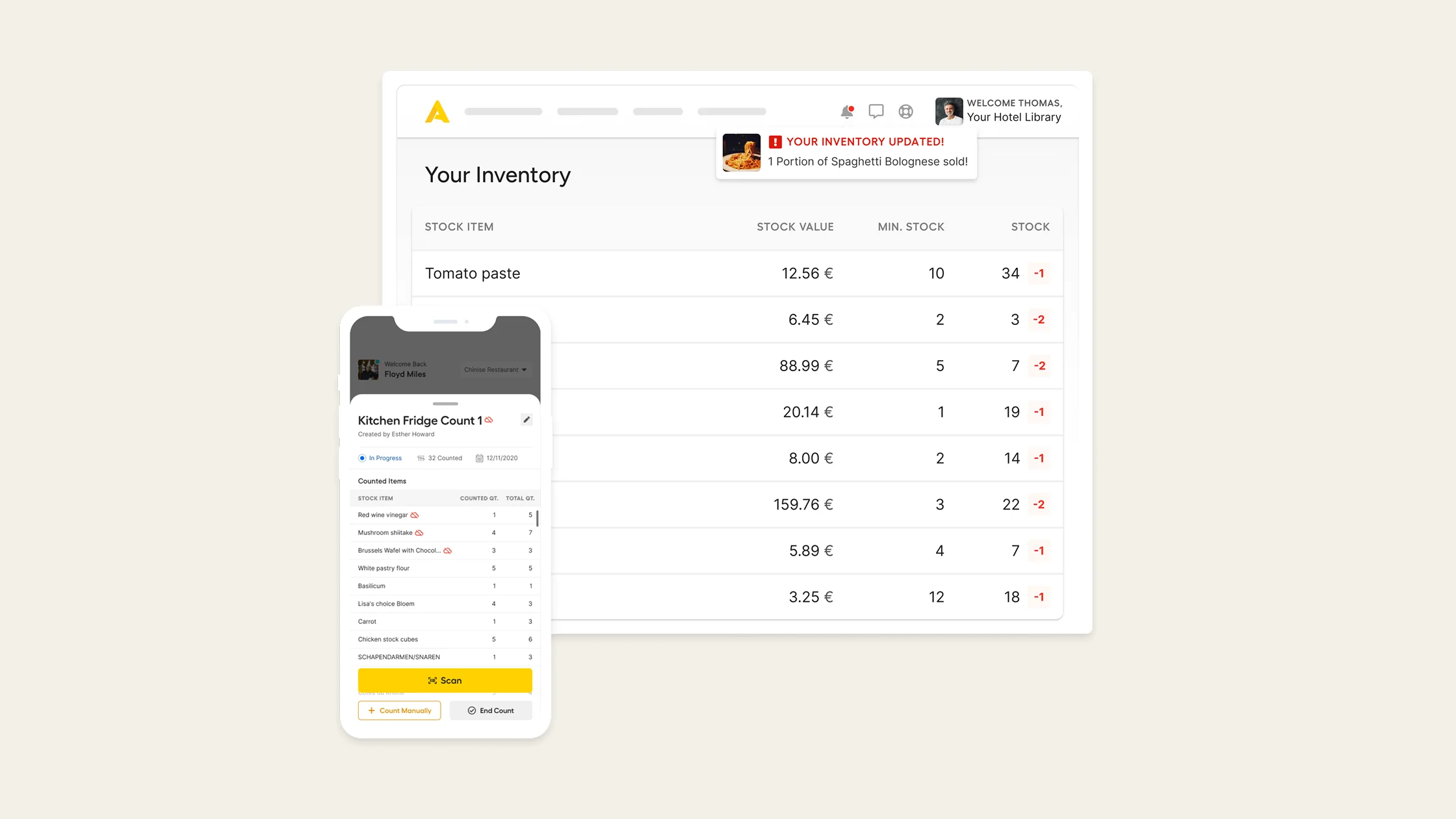
Apicbase is a recipe, inventory, and food-cost management tool for restaurants with more complex kitchen operations.
- Best for: Restaurant groups with complex recipe management, like multi-brand operators, central production kitchens (CPUs), or premium QSR brands.
- Not ideal for: Single-site operators with simple menus or groups wanting one platform across labour, food cost, and BI.
- Standout feature: Recipe management and menu engineering capabilities with control over ingredients, production, and costing.
The best BI-specific tools for restaurant operators
Business intelligence tools pull data from across your POS, labour, inventory, and finance systems into one place.
They’re useful for operators who want clearer visibility across multiple tools without replacing their existing setup.
The challenge is that reporting quality depends on the systems underneath. Your dashboards are only as accurate and real-time as the data feeding into them. “Real-time” means “as fresh as the slowest source.”
Tenzo
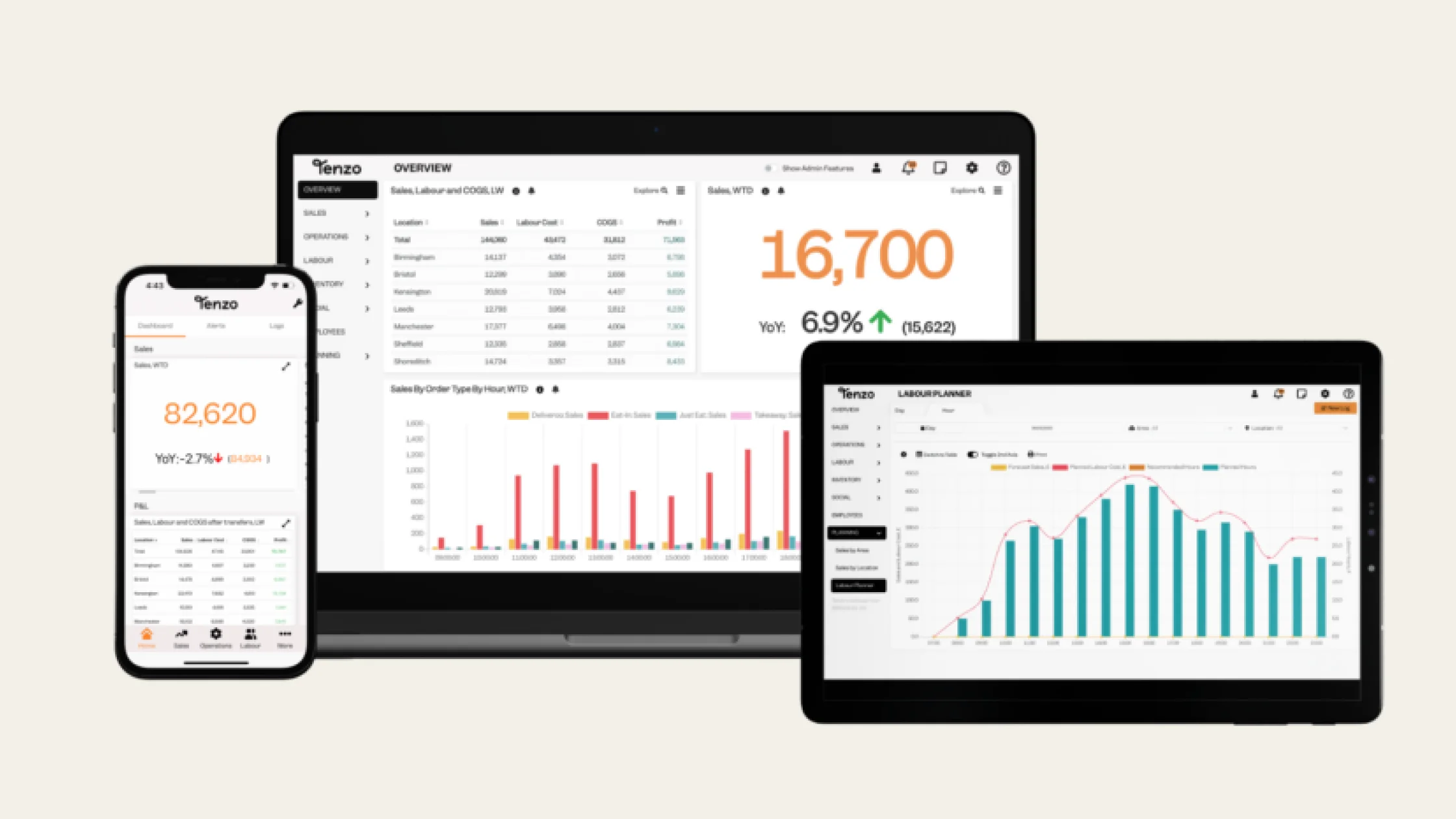
Tenzo is a BI and reporting tool that pulls data into one place, allowing operators to track performance across sites.
- Best for: Multi-site operators with an existing stack who want unified KPI dashboards across sites.
- Not ideal for: Operators who want their BI tool to also act on the data (Tenzo shows you what’s happening, it doesn’t run the operation).
- Standout feature: Integration breadth, with 70+ connections across POS, scheduling, inventory, and reservations to unify data.
Black Box Intelligence
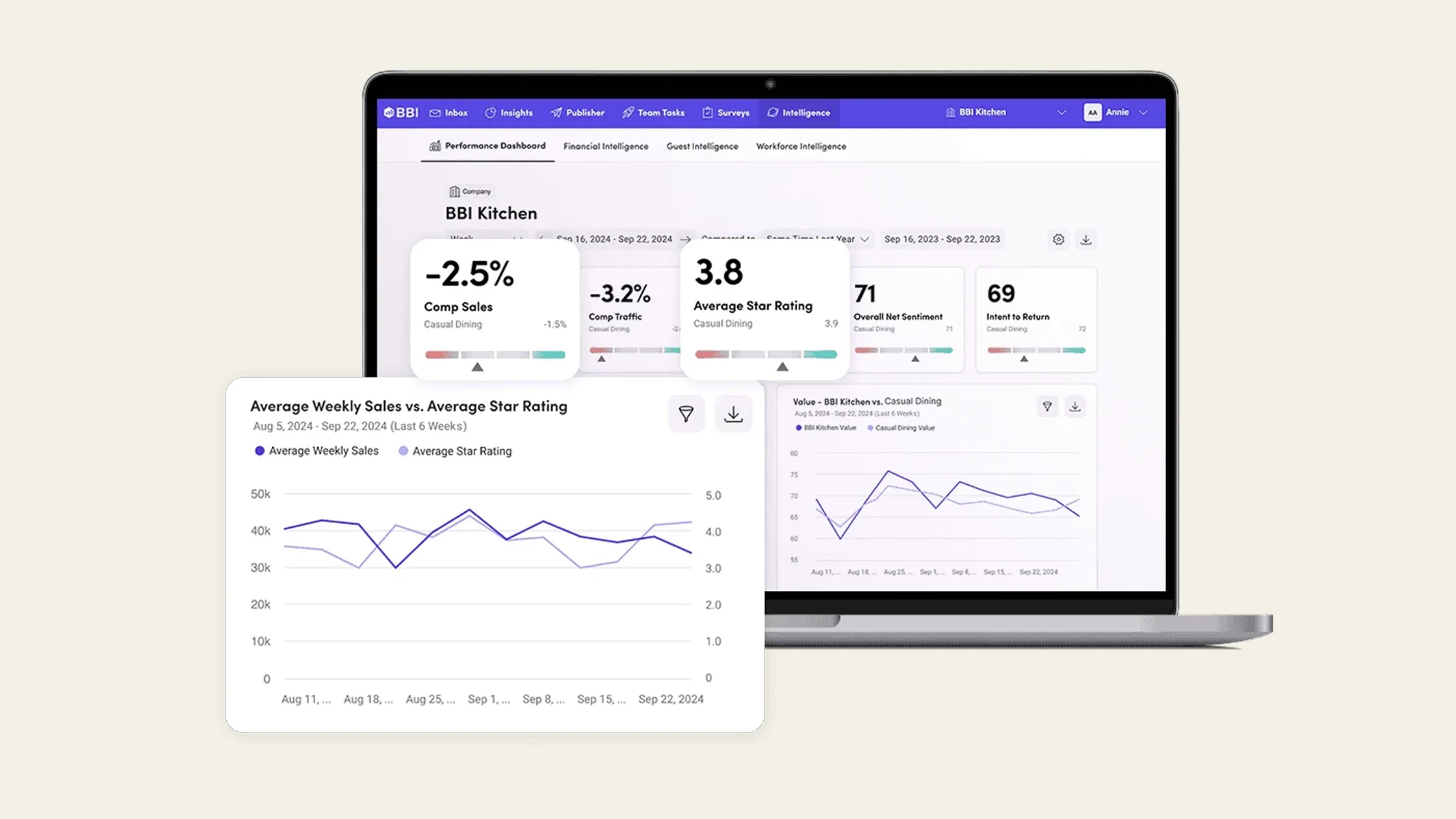
Black Box Intelligence is a benchmarking and analytics platform that shows how your performance stacks up against the wider industry.
- Best for: Large enterprise groups that want to benchmark performance against competitors and market trends.
- Not ideal for: Operators who mainly want an internal operational dashboard rather than external comparisons.
- Standout feature: Industry comparison data, like competitor sales trends, labour benchmarks, and traffic patterns.
How to choose restaurant management software: The three questions that decide what you should buy
Most buyer's guides start with a 30-row feature comparison. This is useful when comparing your options, but you need to know what your business needs to actually compare solutions effectively.
Ask yourself these three questions to decide which type of software is right for your operation.
Question 1: Are you a single-site or multi-site operation?
This is the most important question. The right tool for a single 80-cover restaurant might not be the right tool for a 30-site multi-brand group, and vice versa.
Single-site operators are usually looking for a POS-led suite with simple add-ons. The maths is: one site, simpler integrations, no cross-site rollups required, and the general manager can hold most of the operation in their head.
In this scenario, the bundled POS approach often wins because it's the lowest friction.
But the moment you have 2 sites, the maths shifts immediately and the POS suite that works well for a single location stops being the right answer.
Why?
Because every operational decision multiplies.
When you’re running a handful of pubs, you can keep everything in your head. Once you start growing, you can’t. Growth exposes everything.
Adam Lewis, Operations Manager at Hampshire Pub Co.
You can't see cross-site labour comparisons from one POS dashboard. You have to reconcile multiple supplier lines, and you need to forecast different demand patterns across various sites.
Not to mention, planning labour schedules and inventory orders at different venues.
By the time you're up to 10+ sites, no single person can hold the operation in their head. By 30+ sites, the data has to roll up across brands, regions, and potentially even currencies.
Most operators discover this the hard way around 8-12 sites. They’ve already invested in integration glue and have a series of connected tools that mostly work together.
The smarter ones run the operating system evaluation as soon as they open their second site. These restaurants are in an ideal position to find a single tool that does everything they need in one location.
To sum it up:
- Single site → POS-led suite usually wins on simplicity.
- Multi-site (even 2 or 3) → consider an all-in-one operational system like Nory.
Question 2: Do you want a tool for a specific function or a full restaurant operating system?
If you have a single problem you want to solve, a specific tool can often do the job. For example, a scheduling tool builds rotas, inventory tools track and manage stock, and business intelligence (BI) systems aggregate dashboards.
You buy three tools, integrate them, and live with the gaps in between.
But if you’re looking for something that can handle all aspects of restaurant operations in a single system, this doesn’t quite do the job.
Fortunately, a full operating system does do the job.
Restaurant management software runs multiple operational areas (including forecasting, scheduling, ordering, payroll, and BI) live in the same data layer instead of switching between platforms.
The trade-off is heavier implementation (you're replacing several tools at once) against much higher leverage (one platform, one decision flow, one source of truth).
To sum it up:
- If your biggest pain is one operational area (for instance, food cost is killing you and everything else is fine), buy a tool.
- If your biggest pain is the gaps between tools (for example, your forecast doesn't talk to your rota, and your rota doesn't talk to your payroll), buy an operating system.
Question 3: Do you need simple reporting or suggestions and decisions on how to improve profits?
The final step is knowing how much guidance you want (and need) from a software provider. A reporting tool tells you what happened, but a decision-making system either tells you what to do about it, or just does it automatically.
Until recently, every restaurant management system was a reporting tool with some workflow on top. You'd see your labour percentage and the manager would adjust the rota, or you'd see your food cost and the chef would re-order. The software's job was to surface the number.
Agentic systems flip that.
Consider Nory as an example. The Forecasting Assistant builds the demand picture, the Scheduling Assistant translates it into a rota, and the Ordering Assistant places the orders.
When it comes to HR, the Payroll Assistant runs the cycle while the Compliance Assistant flags the exceptions.
It essentially takes the guesswork out of day-to-day operational decision-making, turning live data into clear actions and executing those actions automatically.
To sum it up:
- If your biggest pain is “I have data, I just don't have time to act on it,” you want a decision-making system.
- If your biggest pain is “I want better data and I'll act on it myself,” a strong reporting tool is enough.
Choosing the right restaurant management solution: A simple buying decision framework
The right solution depends on three things:
- How many sites you run
- Whether you need a specialist tool or a full operating system
- Whether you want reporting alone or software that can actively help run the business
Use the framework below to quickly narrow down which category makes the most sense for your operation.
Choosing restaurant management software gets much easier when you stop comparing features and start thinking about operational fit.
Now that you know which category fits your business best, let’s look at the top restaurant management software options in 2026.
How to actually choose the right restaurant management system
Start by answering these three key questions:
- Single-site or multi-site?
- Tool or operating system?
- Reporting or decisions?
Then, map your answers onto the following framework:
If you use the above framework but can’t find the solution you’re looking for, the answer is usually to start with the specialist that matches your biggest pain point.
Side note: If you’re currently running a single site, it’s worth coming back to this framework as soon as you start expanding. Most operators find that thinking about it early makes the transition to multiple locations much smoother, especially when it comes to systems, staffing, and protecting margins as you grow.
Why an operating system is the best place to start if profitability is your goal
If the real question you’re trying to answer is “What gets my restaurants to the highest profitability fastest?”, then for most multi-site operators, an operating system is the strongest place to start.
Profitability comes down to labour and food costs working together in line with forecast demand. Tools that only optimise one side of that equation tend to hit limits quickly. You might improve labour costs or food costs in isolation, but not the overall picture.
Operating systems are different because they bring both sides into one place. They connect forecasting, labour, inventory, and performance data so decisions are made using the same live information.
Just as importantly, they give you a single data layer across all sites, which is key once you’re managing more than one location and need consistent visibility and control.
Within that category, Nory is the only agentic option.
In practice, this means that Nory doesn’t just show you what’s happening or suggest what to do – it actually runs parts of the operation for you.
Forecasting demand, building schedules, placing orders, and managing key workflows happen automatically, with humans stepping in to review and adjust rather than manually coordinating everything.
The benefit is less manual admin, faster decisions, and tighter control over costs across every site. If profitability across multiple sites is the goal, this is about as direct a path as it gets.
FAQs about restaurant management software
What's the difference between restaurant management software and a POS system?
A POS handles the front-of-house transactions, like taking orders, processing payments, and managing tables.
Restaurant management software sits behind that. It uses POS data to help run the business day to day, things like scheduling staff, ordering stock, managing payroll, and tracking food and labour costs.
In reality, the lines have blurred between these two systems. Some POS platforms now include management features, and some management platforms now connect directly into POS systems.
When deciding which type of software to use, the real question is: do you want a POS-led system that adds operational tools on top, or an operations-led system that uses your POS as one part of a wider setup?
What's the best restaurant management software for multi-site operators?
For multi-site operators, the key category to look at is an operating system. That means using one platform to run multiple parts of the business against shared goals.
POS-led suites can work for a while, but they’re usually built for single-site operations with multi-site capabilities layered on top.
Here are some of the best operating systems for multi-site restaurants:
- Nory if the focus is profitability and autonomous decision-making
- Restaurant365 if you want strong accounting-led reporting with POS integration
- Toast if you’re already on Toast POS and want everything in one ecosystem
What's the best restaurant management software for single-site restaurants?
For single-site operators, the simplest path is usually a POS-led suite. Toast, Square, or Lightspeed are all useful, depending on how complex your front-of-house needs are and your pricing preference.
If there’s one clear problem to solve (like food cost or scheduling) a specialist tool often works better than an all-in-one system. For example, MarketMan for inventory and food cost, or 7shifts for scheduling.
How is agentic restaurant management software different from traditional?
Traditional restaurant management software reports on what happened. You see the data, you decide what to do, and you do it.
Agentic restaurant management software runs the work itself, turning data into action.
Instead of stopping at insights, it helps run day-to-day operations like forecasting demand, planning staffing levels, managing stock levels, and processing payroll in a more automated way.
With systems like Nory, the focus shifts from manually coordinating these tasks to having them continuously aligned in the background based on live demand and performance data.
That changes the operator’s role quite a bit, from doing the operational work day to day, to reviewing, adjusting, and stepping in where needed.
For multi-site operators (where every decision is multiplied across locations from the second site onwards), that shift can have a significant impact on consistency, speed, and control.
The simplest way to choose the right multi-site restaurant management software
The main takeaway from this guide is simple:
There’s no universal “best” restaurant management software, only what fits your stage of growth and operational complexity.
Single-site operators usually get the most value from POS-led suites or specialist tools, while multi-site groups benefit more from operating systems that bring everything into one place.
The key is understanding your biggest constraint, whether that’s one operational pain or the growing complexity of running multiple sites with disconnected tools.
If your goal is profitability across multiple sites, Nory’s all-in-one restaurant management software is worth a look. The software brings forecasting, labour, ordering, and performance into one agentic system that helps run day-to-day operations.
Get in touch with the team to find out more about using Nory for multi-site restaurant operations.
Closing notes: Full disclosure and our methodology
This guide is published by Nory. We used a buyer-decision framework (three questions: single-site vs multi-site, tool vs operating system, reporting vs decisions), grouped vendors by the cell of the framework they fit best, and described each vendor honestly within its category.
Where Nory is the clear answer (multi-site operators with profitability as the primary goal), we said so. Where Nory isn't (single-site operators with one specific operational pain), we said that too.
Vendors are listed against the framework, not ranked.
